LMS & LearnDash

Organizations for LearnDash

Sell courses to companies by the seat

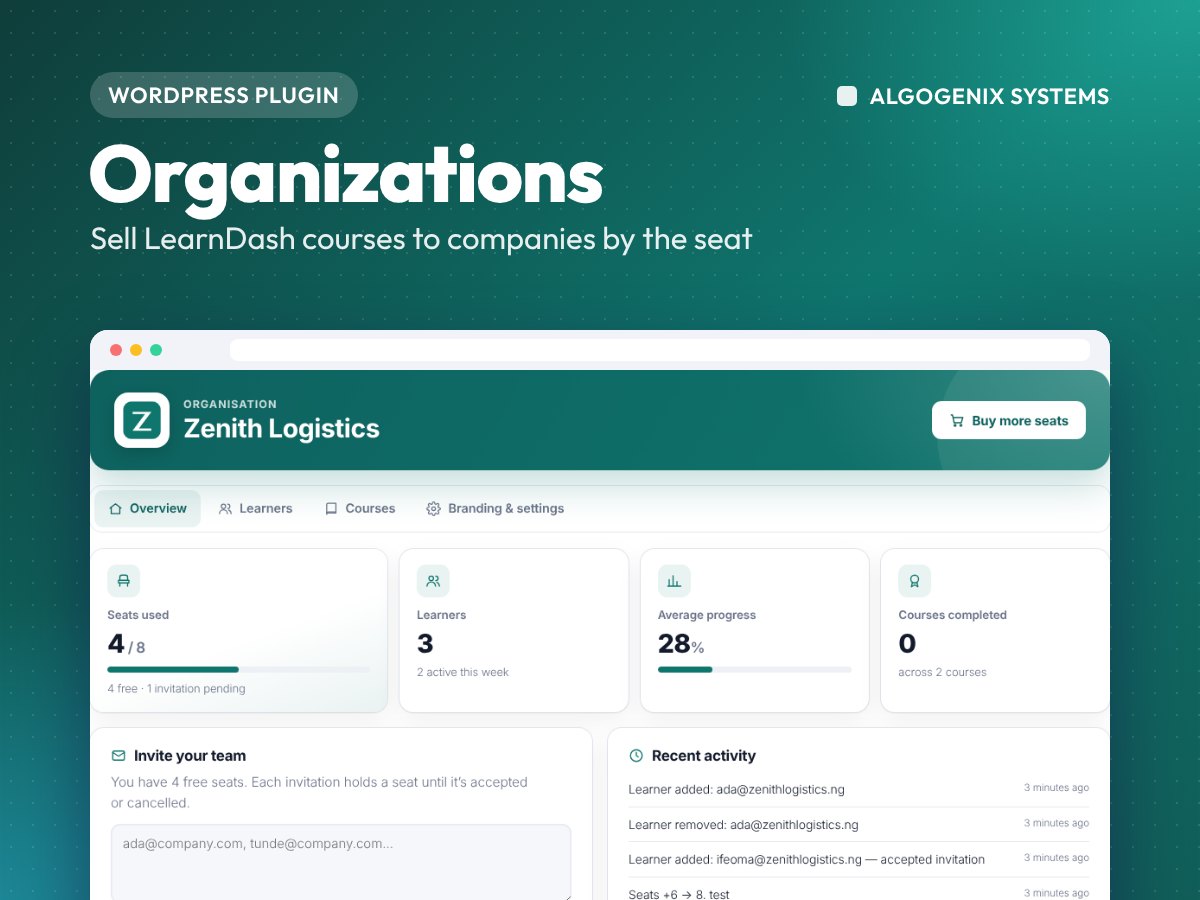
Let companies, schools and agencies buy course seats for their teams through WooCommerce, brand their own portal, invite staff, follow progress and buy more seats as they grow. Built on LearnDash Groups, so reports and certificates keep working.

Organizations for LearnDash
  • 38features
  • PHP 7.4–8.4tested
  • In-housebuilt & supported
Overview

Why choose Organizations for LearnDash

Made for: Course sellers and training providers who sell to companies, schools, government agencies and NGOs, and want one buyer to pay for a whole team.

✓

Seat-based selling through WooCommerce and Paystack

✓

Branded portal for each organisation: logo, colour and welcome message

✓

Invite staff by email or CSV, with seats held for pending invitations

✓

Progress for every learner and course, with CSV export

✓

Buy more seats from the portal, refunds take seats back

✓

Built on LearnDash Groups, so reports and certificates keep working

Complete feature list

Everything in Organizations for LearnDash

38 features, ready to use from the moment you activate it.

Selling seats6

  • Turn any WooCommerce product into a seat product
  • Price per seat, with quantity = number of seats
  • Choose which courses the seats include and a minimum number of seats
  • Works with Paystack, bank transfer and the WooCommerce block checkout
  • The organisation is created when payment is confirmed, and the buyer becomes its manager
  • Guest buyers get an account automatically

Growing and refunds5

  • Buy more seats from the portal, added to the same organisation
  • New courses bought later are added for the whole team
  • Refunded, cancelled or failed orders take their seats back
  • Unpaid bank-transfer and on-hold orders don't create seats
  • Every change is logged

Branded portal4

  • A portal page created for you, also linked from WooCommerce My Account
  • Organisation name, logo, brand colour and a welcome message for the team
  • Optional email domain rule, so only @company.com addresses can be invited
  • Co-managers, and a switcher for people who manage several organisations

Inviting staff5

  • Invite by pasting a list of emails, or upload any CSV
  • Pending invitations hold a seat until they are accepted or cancelled
  • Resend or cancel invitations to free a seat
  • Branded invitation page: join with a new account or log in
  • Managers can take the courses themselves, using one seat

Tracking progress5

  • Overview with seats used, learners, average progress and courses completed
  • Learners table with progress, courses done, joined date and last activity
  • Per-course view: completed, in progress and not started
  • Search, pagination and CSV export safe to open in Excel
  • Progress numbers match LearnDash exactly

For learners2

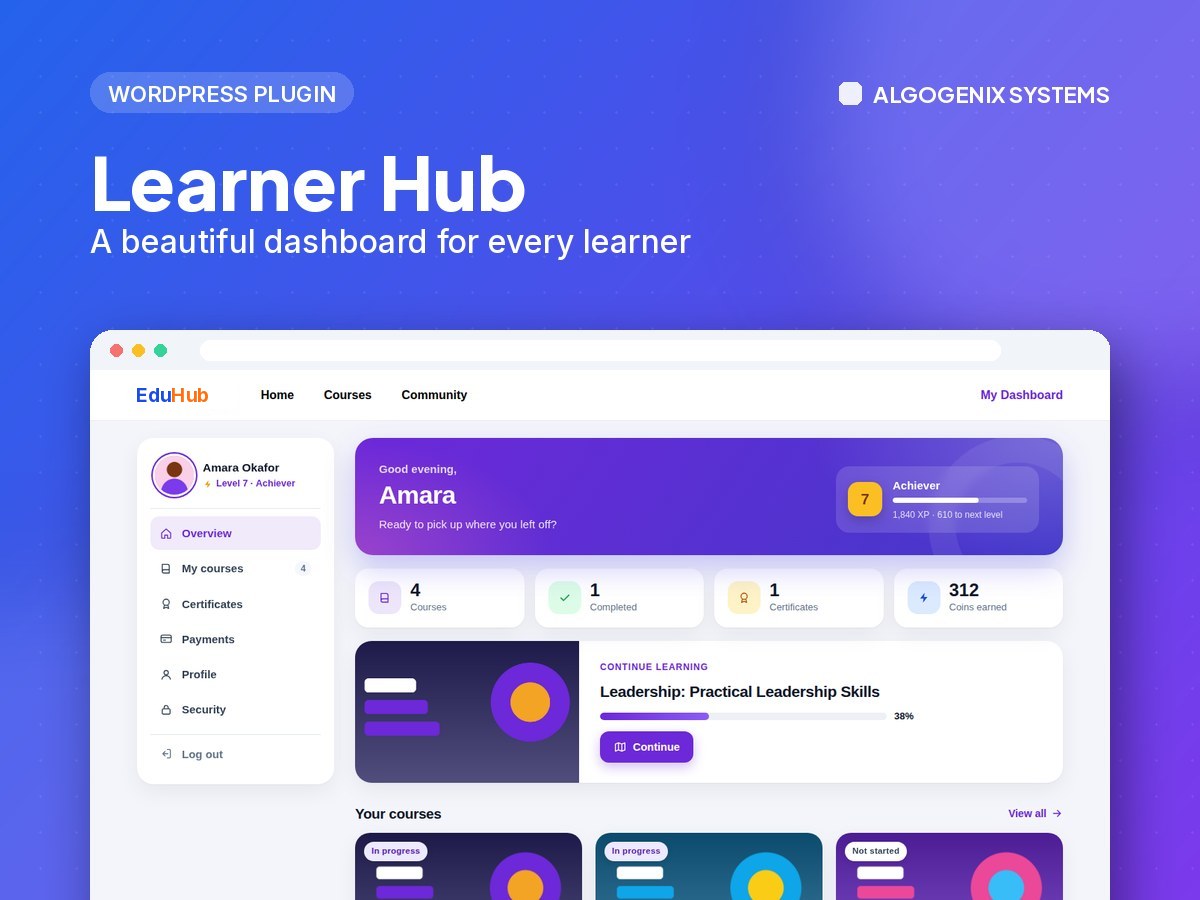
  • A branded learning page with their courses, progress and certificates
  • Continue and Start buttons that pick up where they left off

For admins5

  • All organisations in one list with seats, learners and courses
  • Create organisations by hand for invoice or bank-transfer sales
  • Edit seats, owner and courses, with a note for the log
  • Customise invitation and welcome emails
  • Optionally give managers the LearnDash Group Leader role

Built on LearnDash3

  • Every organisation is a LearnDash Group
  • LearnDash reports, certificates and group add-ons keep working
  • Removing a learner removes their course access

Security3

  • Every manager action checks that they manage that organisation
  • Invitation links are single-use and stored securely
  • Logo uploads are checked to be real images

Requirements

  • WordPress 6.2+
  • LearnDash
  • PHP 7.4+ (WooCommerce to sell seats)

What you get

  • The plugin download and a licence key for your website
  • Updates and support for the licence period
  • Installation guidance from the team that built it
  • Secure checkout with Paystack

Need something custom?

Need it to do something more? We built it, so we can tailor it to your platform.

Build a custom feature →
FAQ

Organizations for LearnDash questions

Anything else? Ask the engineers who built it.

Ask a question
How does a company buy seats?

They buy a seat product in your WooCommerce store and choose how many seats they need. Once payment is confirmed, their organisation is created and the buyer becomes its manager.

Can I sell to companies that pay by invoice?

Yes. Create the organisation by hand in LearnDash LMS → Organizations, with the number of seats and courses, and the manager gets their welcome email.

What happens when a learner leaves the company?

The manager removes them from the portal. Their seat becomes free again and their access to the organisation's courses is removed.

Can an organisation buy more seats later?

Yes. The Buy more seats button adds seats to the same organisation, so the team and its progress stay together.

Does it work with LearnDash reports and certificates?

Yes. Each organisation is a LearnDash Group, so group reports, certificates and group add-ons keep working.

How do I install it?

Download the zip after payment, then go to Plugins → Add New → Upload Plugin in WordPress. We will help if you get stuck.

What does the licence include?

A licence key for your website with updates and support for the licence period.

Can you customise it for my site?

Yes. We built it, so we can add features or adapt it to your platform. Tell us what you need.

How do I pay?

Prices are shown in US dollars and you pay securely through Paystack at checkout.

Ready to add Organizations for LearnDash to your site?

Get it today, or talk to us about installing and tailoring it for your platform.

Start a project →